The role of design software
Published on 10/01/2026
For the first half of my career, you could say I had a rather traditional product designer journey: I'd be part of a product team comprised for the most part of a PM, several developers, and me, as the designer. I'd spend close to 100% of my time either in Sketch or Figma, shipping images, drawing rectangles, and building interactive prototypes of varying levels of complexity with infinite supporting tools (I tried them all, from Marvel/InVision to Origami, Protopie, Framer Classic, you name it).
Part of me feels like it's a bit reductionist of me to say I was just "shipping images", though. There has always been a lot that I would do and worry about while sitting on the design software:
- Thinking about a given feature's entire flow end-to-end and how it interacted with the rest of the whole product
- Obviously thinking about the UI side: components, interaction patterns, colors, type, spacing, style, etc.
- Thinking about how to present it all to peers and stakeholders with the best level of clarity and detail
- Trying to anticipate and solve edge cases and coming up with exit strategies for the user
And more. But while all of this is true, at the end of the day, I can't escape the fact that the output really just was... images, despite how fancy the design software was. Despite how it tried to get closer and closer to code by providing me tools such as tokens, components, slots, etc. In reality, most of the time, none of these things ended up being actually valuable for developers anyway. At minimum, maybe they'd find it helpful to see which colors I was using where, and also copy and paste strings into the codebase and whatnot, but at least from my experience, that was mostly it.
From that point on, developers would need to translate and recreate those designs in the actual medium: code. And then, frequently, due to how we're often navigating just a limited number of scenarios while in the design software, I'd be hit with questions about edge cases and other scenarios I hadn't thought about because they'd only really come up when the product was put against real-life challenges like network speed, device constraints, etc.
I think this whole flow and experience is far from being a surprise or uncommon to designers. For me, at some point around 2019, I started to get very frustrated by all of this and felt like I finally needed to roll up my sleeves and face the coding dragon, beyond the basics of HTML and CSS. I felt a painful need to be more active in the development process, more like a true collaborator. There'd be things that only me, as the designer, would really care about, and I always hated being a victim of the developer's attention to detail, of how much the PM/company cared about design, and so many other circumstances.
After learning to code
Well, first, take "learning to code" with a grain of salt—it's an infinite process: I learn more every day and there's always more to learn. Second, it all changed… really. As I progressively improved my coding skills, I'd get so much more involved with the development process.
I'd help speed up things by sometimes building the static/stateless version of components, so that developers' only job was to energize them whenever they got to the step of actually constructing the UI/page/flow. I'd go in there and sand the rough edges myself without having to negotiate resources for them. So much more freedom, and many other benefits:
- Developers for the most part loved having less UI work to do as most of them didn't particularly love this part
- Developers would feel more comfortable throwing more intricate development-related challenges and questions my way
- I'd feel more comfortable negotiating or pitching a given feature because I started to better understand what's easy, what's hard, what's really hard, etc.
- The product just became way more refined
Even though there were some downsides to being a designer at this level, I want to focus on one specific side-effect of it: I started to want to spend less and less time in the design software. Not only because I was having more fun and feeling more powerful and smart by being in the codebase, but also because so many things started to feel like a gigantic waste of time and energy. Design software just started to feel like I was playing with toys. It was all a fantasy we were collectively believing in.
The source of truth
I already felt it deeply in my bones, but it took years and years of learning some extent of software development to fully acknowledge how any effort to make the design software the source of truth is, fundamentally, a huge mistake.
The times I tried to do that all led to massive waste:
- I never succeeded at making Figma actually reflect the production version of the product. The product was just changing at a much faster velocity than I could drag vectors. I'd always waste time operating Figma—despite how fancy I was being with it—to make the frames sort of mirror how the app looked.
- I'd waste time arguing with developers about processes to sync up "the design system" we had on Figma with what they worked with in the actual codebase.
- I'd be annoyed about why things always looked slightly different when looking at them in Figma vs. in the browser/phone/app.
- I'd waste time recreating old UIs or obscure states I'd come to learn about for random reasons, instead of tackling them head-on in the code.
The design software artifact is ultimately static. Again, it's all just images that are not structurally dependent on one another, that don't react to one another. And most importantly, all the work put into the design software is something that users will not ever use; they won't ever touch or see any of that stuff. In a lot of ways, the design software also isn't even bound to the limitations of the browser, desktop, and mobile platforms.
From my experience, any energy spent trying to make the design software really mimic the product by strongly and deeply componentizing everything, building crazy complex spaghetti-connected prototypes, building all states, etc., all just misses the point.
The role of the design software has never been to achieve that level of parity. It was never supposed to be the source of truth. I think we as designers tried to fool ourselves at some point that it could've been that because we were maybe afraid of the complexity of software engineering, which really is very complex and hard. And design, on the other hand, is very subjective, with a much lower barrier of entry.
But now all of this is flipping upside down. With AI, the dragon of software engineering is progressively transforming into a little puppy that anyone can easily domesticate.
The role of the design software
So we're back at the title.
After I've gone through my journey of heavily using Figma and friends, to then not wanting to use them at all because I'd much rather be in the IDE (... in Zed!) full time, I'm circling back to it, recognizing its true role.
It's all about direction. It's all about communication.
It becomes a much more powerful tool if you see it as a channel for direction-building. Absurdly more so if you use it while having a good grasp of how things would actually be translated into code. With that in mind, while in the design software, you can really just concentrate on:
- Is this roughly going in the right direction?
- Is this innovative? Is this even relevant?
- Is the UI roughly making sense? Does it feel intuitive?
- Can I at least visualize how a specific state would look, without worrying too much about its entire flow end-to-end?
- Can I see 10 different iterations side-by-side super quick?
- Can I explore something wildly different off to the side for a second?
It's true that due to AI, doing all of these things in code is becoming cheaper and easier, too. But there's still a level of simplicity to just dragging rectangles around and drawing on top of screenshots that's just sometimes better for when you're only worried about starting to materialize what once was an abstract vision. There's a sense of lightness to just using vectors for this step of the journey as opposed to Git repositories, worktrees, Vercel deployments, etc.
Using the design software to specify every little detail about a given feature is a mistake. But we should use it to create alignment, to explore and document alternatives, to feel whether a given iteration points in the right direction.
Then, once there's some clarity generated out of this exercise, it's time to move on. It becomes time to go to the codebase, to ask an agent to build a more concrete prototype, to start truly hacking. To just go for it.
After finally shipping, after the code and product is in the hands of users and you are in the concrete moment where you will be able to really learn whether that was the right direction, you can always come back to the design software to admire, to zoom all the way out (in a way you can't as easily do with code), and to think: "Man, look how we circled Earth a few times, searching for the best route, to land where we did with this project."
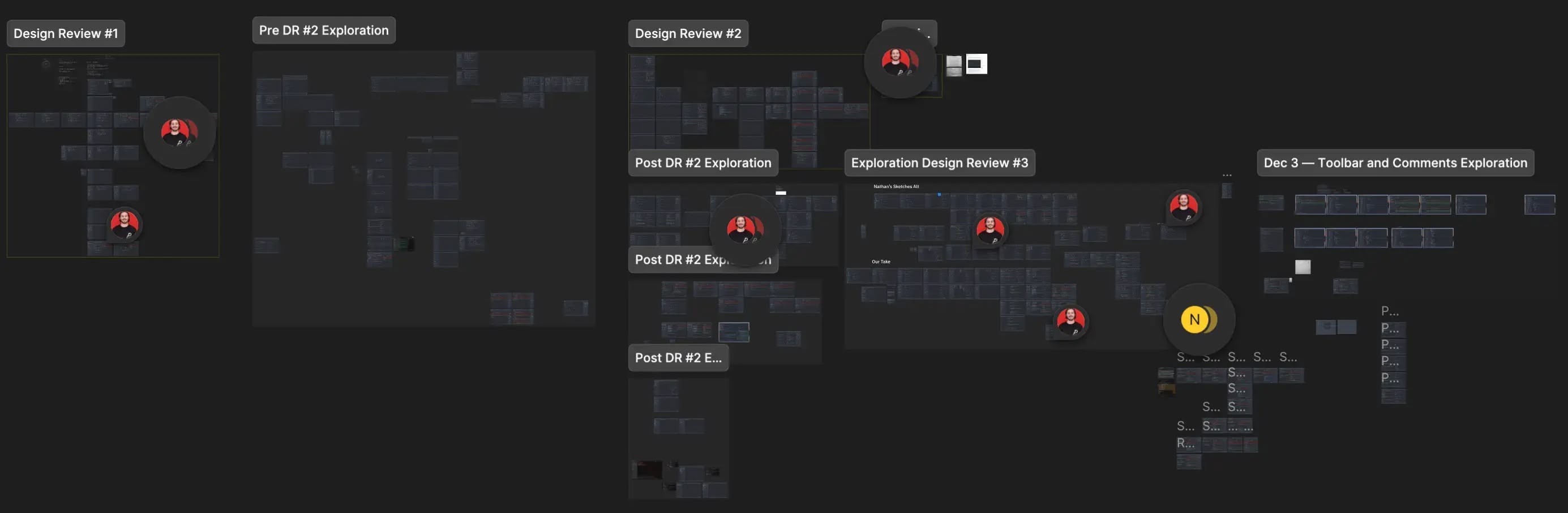
One page of explorations and review follow-up for Zed's upcoming new AI experiences.
A page full of random explorations for Zed's site redesign from July, 2024.